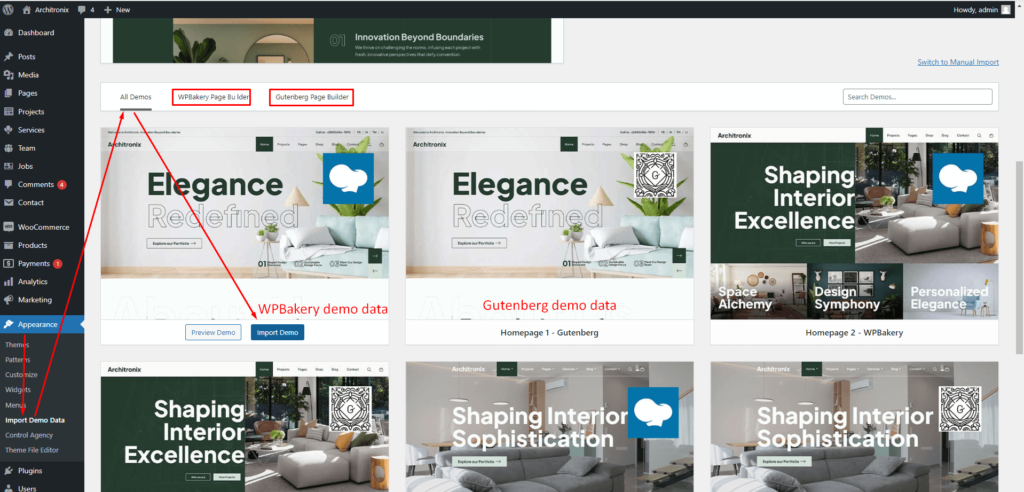
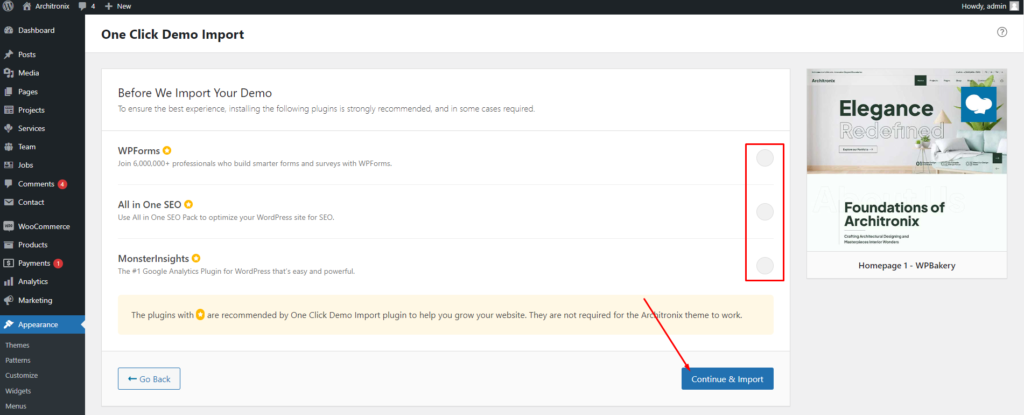
After activating the Architronix theme and all theme-required plugins the system is ready to import demo data. To import demo data One Click Demo Import plugin must be activated. One Click Demo Import plugin is given as theme required plugin here.

Go to Appearance -> Select Import Demo Data. Some Points to note:

  • Make sure this is a fresh installation.
  • Installed theme required plugins.
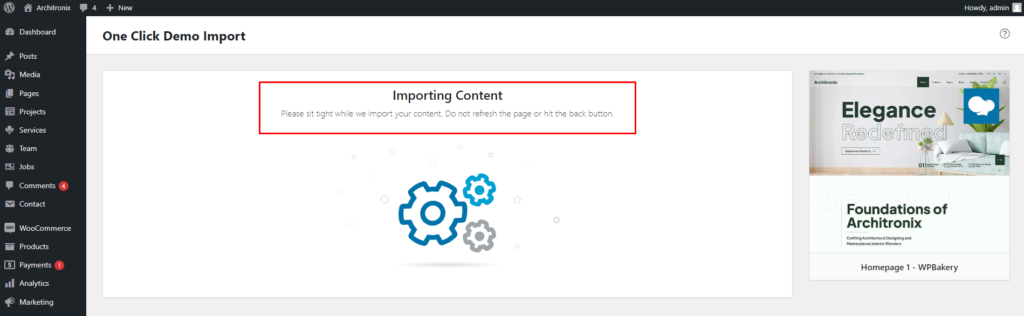
  • While the installer is running please do not refresh the page.
  • Select any layout to import

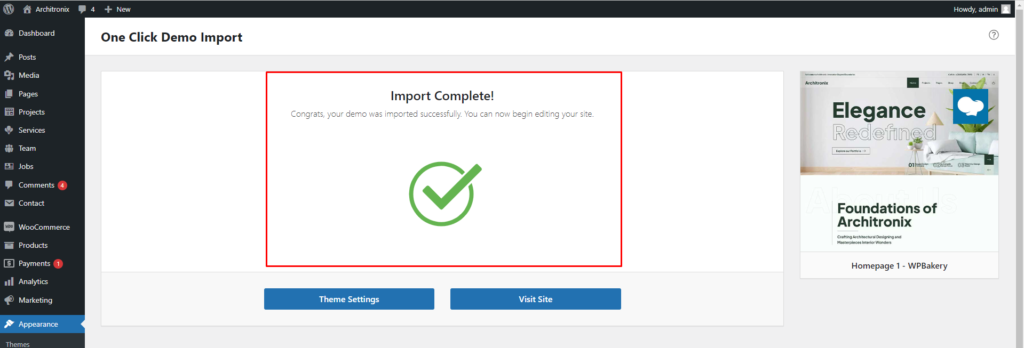
Demo data import completed Visit your site.

If you have any further questions don’t hesitate to get in touch with our Support team.

Thanks for choosing our Architronix WordPress Theme.

Leave a comment

Your email address will not be published. Required fields are marked *

Related Post

/ Install Theme, Requirement

Theme Install

Install Architronix WordPress theme and plugins. 1.Download Package from ThemeForest. After purchasing our theme, you need to go your download area, click on button Download and select download All files & documentation. 2.Extract Package After download completed, you need to unzip the package and select the way you want to install the theme. Once the…

/ Free Support, Requirement

Free Support

All of our items come with free support, and we have an advanced ticket system to handle your requests. Support is limited to questions regarding the theme’s features or problems with the theme. We are not able to provide support for code customizations or third-party plugins. If you need help with anything other than minor…

/ Page settings, Post Type Data

Post Type Data Settings

You Can Manage Post Types Data In the Architronix Post types Settings: Projects, Services and Team. Permalink Settings:WordPress Control Agency – Services & Projects Showcase Plugin offers you the ability to create a custom URL structure for your Projects permalinks and archives. Custom URL structures can improve the aesthetics, usability, and forward-compatibility of your links.…