
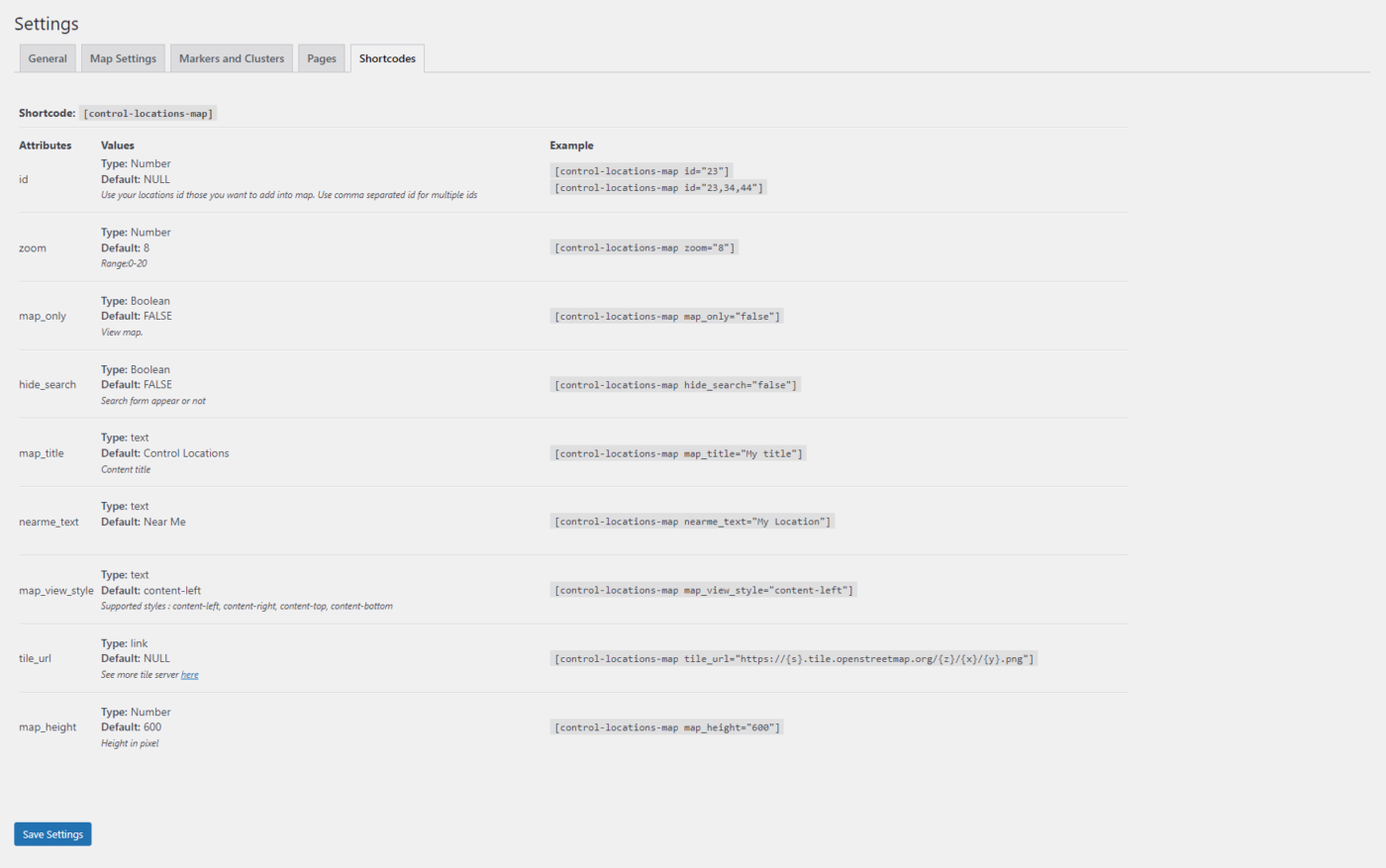
Shortcode: [ control-locations-map]
Go to Control Locations > Settings > Shortcode
| Attributes | Values | Example |
|---|---|---|
| id |
Type: Number Default: NULL Use your locations id those you want to add into map. Use comma separated id for multiple ids |
[[
|
| zoom |
Type: Number Default: 8 Range:0-20 | [ |
| map_only |
Type: Boolean Default: FALSE View map. | [ |
| hide_search |
Type: Boolean Default: FALSE Search form appear or not | [ |
| map_title |
Type: text Default: Control Locations Content title | [ |
| nearme_text |
Type: text Default: Near Me | [ |
| map_view_style |
Type: text Default: content-left Supported styles : content-left, content-right, content-top, content-bottom | [ |
| tile_url |
Type: link Default: NULL See more tile server here | [ |
| map_height |
Type: Number Default: 600 Height in pixel | [ |